iPhone · Requires Apple Family Sharing
safeT1D School Mode
For students with type 1 diabetes: the CGM, pump and parent contacts stay on during class. Everything else waits for the bell.
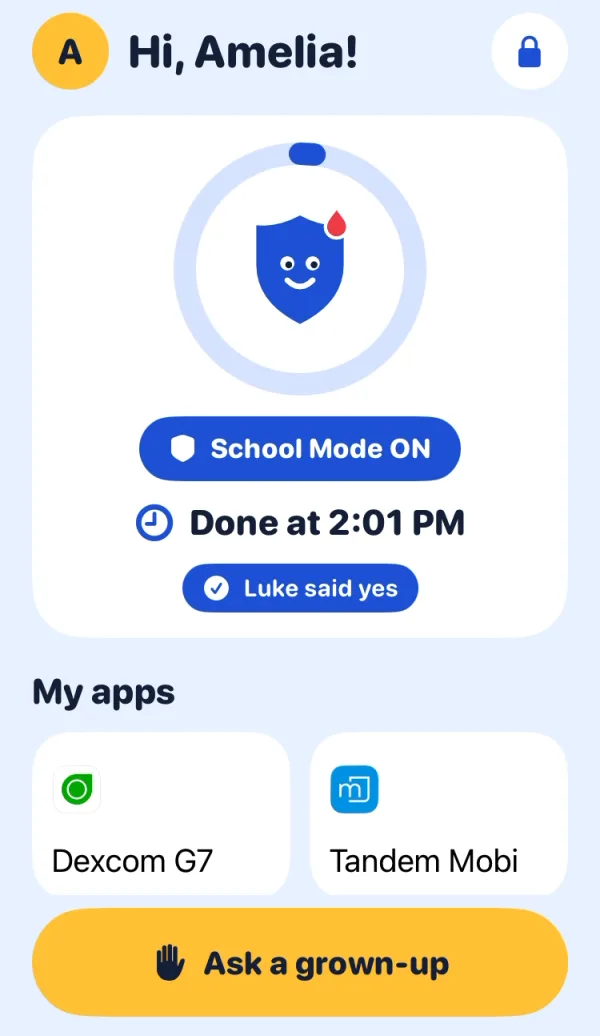
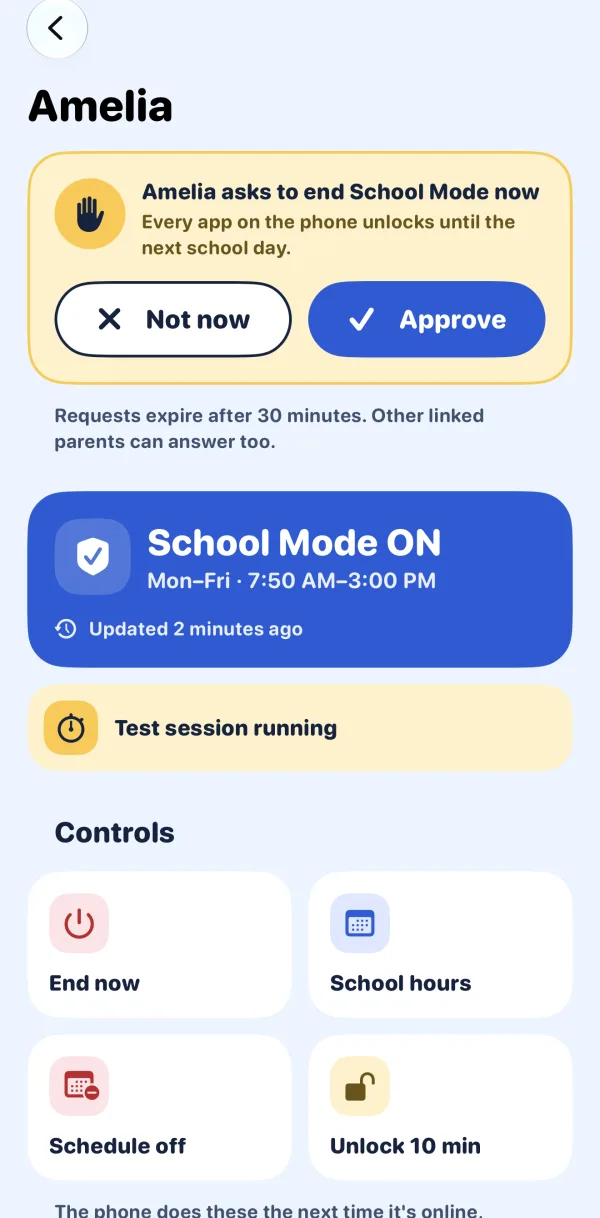
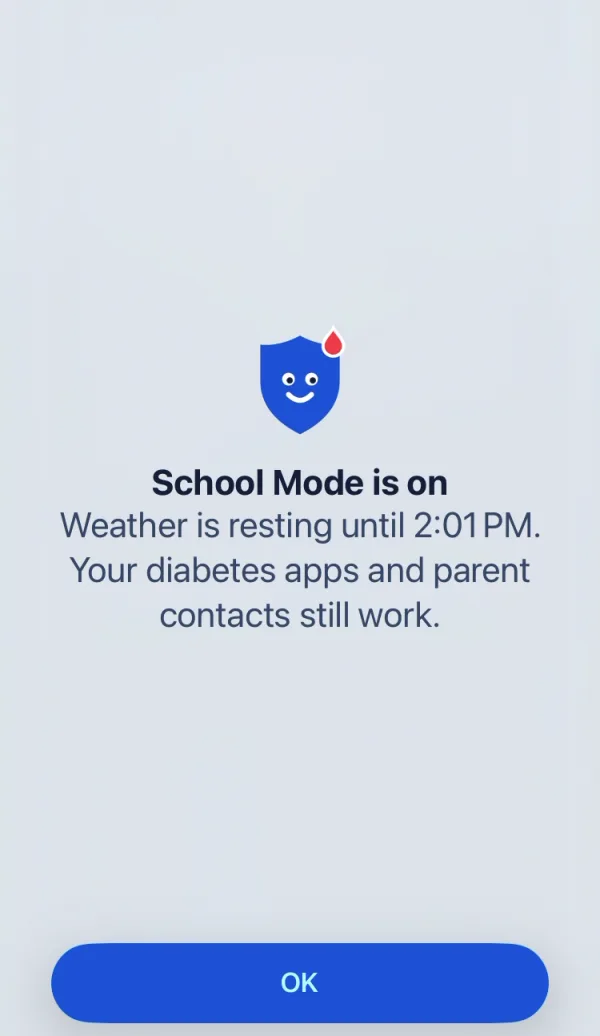
Medical apps on. Everything else waits.
During school hours the phone keeps only what you choose: the CGM app, the insulin pump app and parent contacts. Every other app shows a friendly "resting until 3:00" screen.
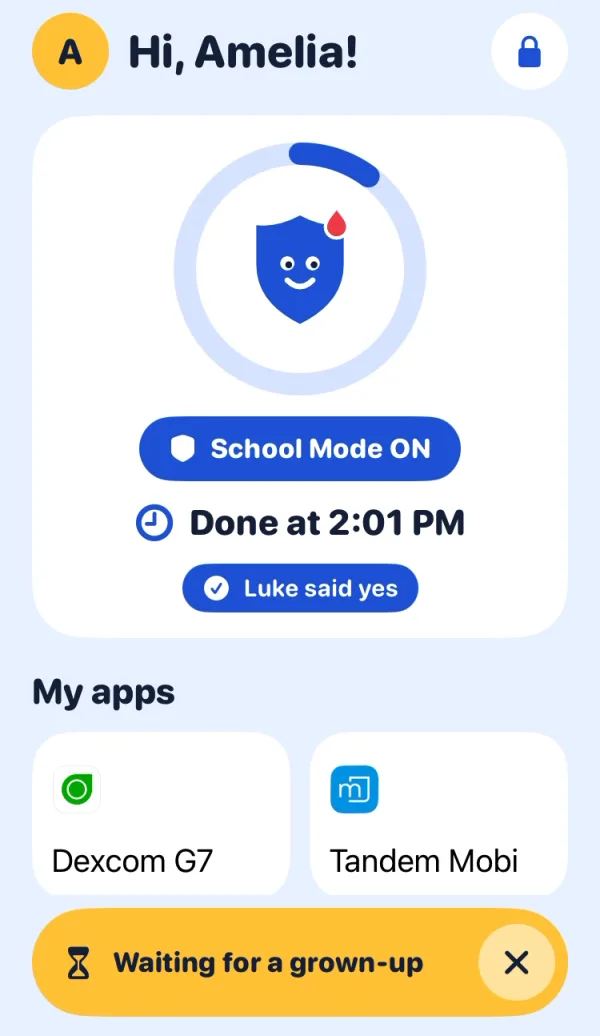
One button for your child.
No settings to fiddle with. Your child sees whether School Mode is on, when it ends, which apps work, and one big Ask a grown-up button.
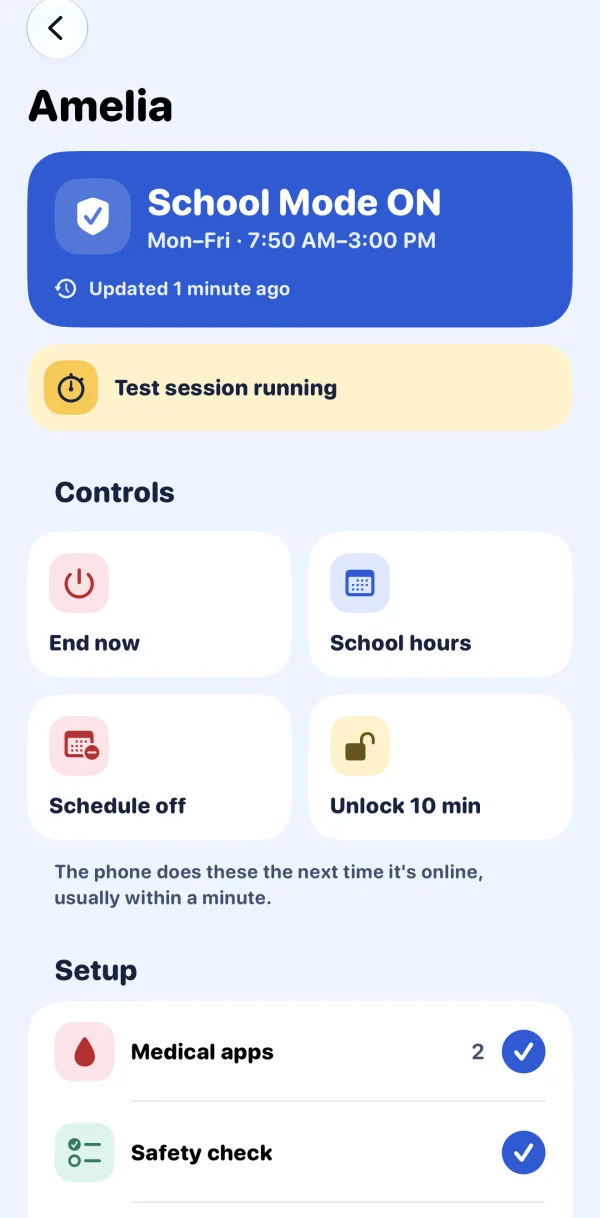
You decide, from your own iPhone.
See School Mode's status and when the phone last checked in. Approve or deny requests, end School Mode, run a test or change school hours remotely. Because it runs through Family Sharing, your child can't remove it alone.
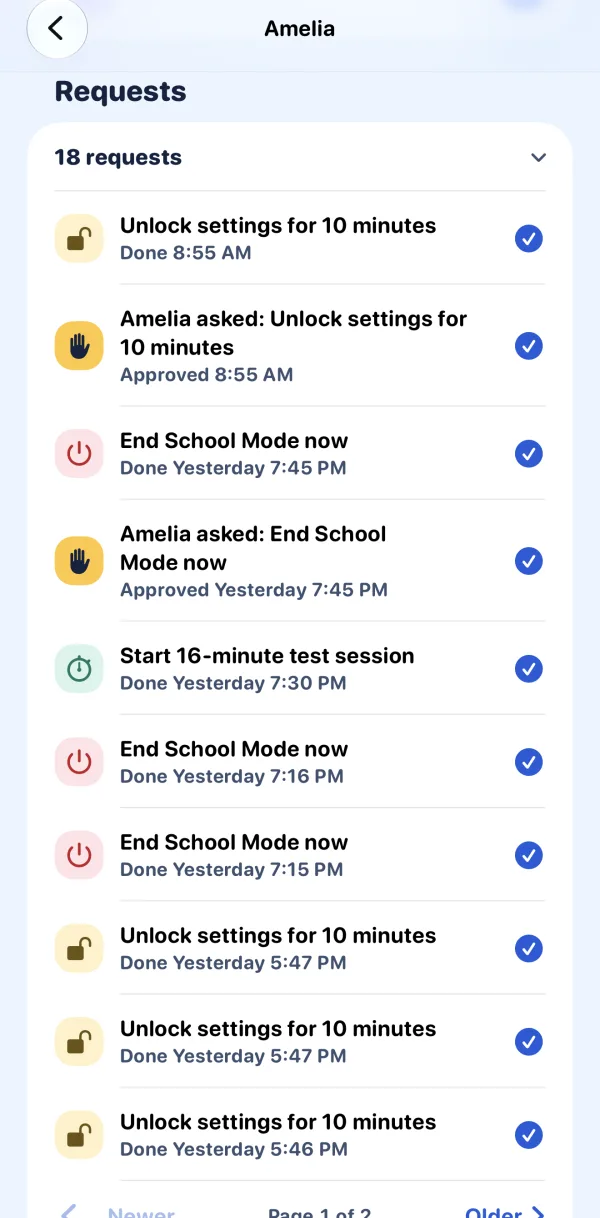
Every answer, with a name.
Link more than one parent or caregiver. Every request is logged with who answered it and when.
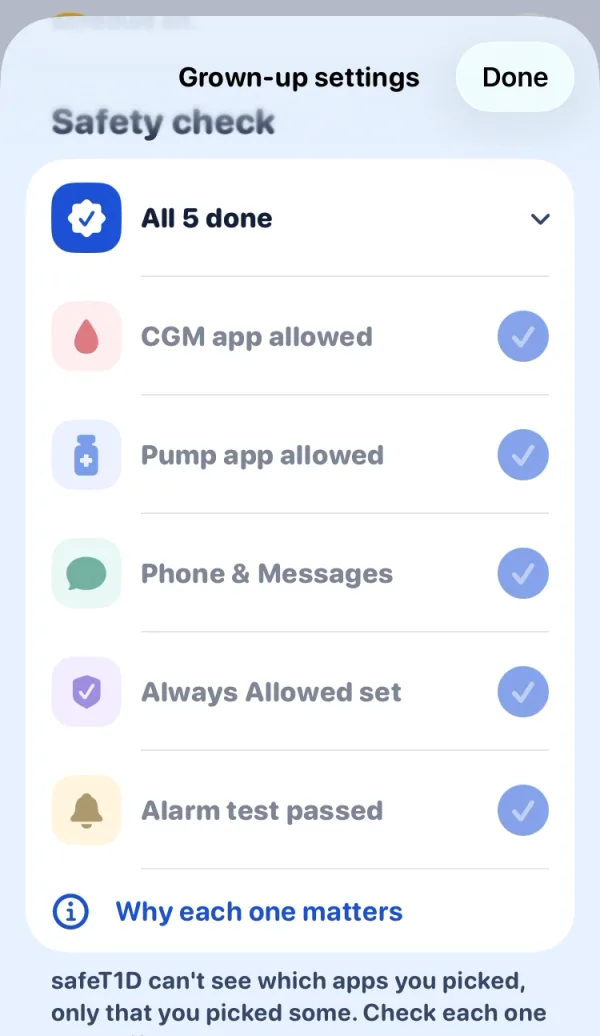
A safety check before it starts.
School Mode won't start without a medical app. A short checklist walks you through allowing the CGM and pump apps and testing that alarms still arrive.
What you need
Needs Apple Family Sharing.
safeT1D works through Apple's Family Sharing, so your child can't turn School Mode off without you. You need:
- Your child's iPhone, signed in to their own child Apple Account.
- That account in your Family Sharing group.
- safeT1D on your own iPhone, for parent controls.
Not set up yet? See Apple's guides to set up Family Sharing and create your child's Apple Account.
Private by design.
- Never reads glucose readings or any other health data.
- No sign-up, ads, analytics or tracking.
- Everything stays on your family's devices and in your own iCloud. We can't see it.
safeT1D is a parental-control tool, not a medical device. It doesn't replace your CGM's alarms or your child's school health plan.